
Download Game Link – YawVR Motion Simulator, PC Gaming, Immersive VR, Customizable Motion
Overview
Game Link is a specialized software solution designed to enhance the integration between YawVR motion simulators and PC-based games. Its primary purpose is to bridge the gap between physical motion and digital gameplay, delivering a more immersive and responsive experience for users who engage in motion-based gaming. By synchronizing real-time movement data from the simulator with in-game actions, Game Link enables players to feel every turn, tilt, and acceleration as if they were physically present within the virtual environment.
The app targets enthusiasts of immersive gaming, particularly those using YawVR hardware in conjunction with PC titles across genres such as racing, flight simulation, and VR adventures. It serves as a critical tool for gamers seeking to elevate their gameplay beyond standard controls, offering a tangible connection between physical input and virtual outcomes. The developer has not provided additional background information, but the app’s focus on precision and compatibility suggests a targeted approach to performance optimization.
Real-world use cases include competitive racing simulations where accurate motion feedback improves reaction time and spatial awareness, as well as flight simulators where realistic movement enhances situational immersion. In VR environments, Game Link complements tools like Infuse VR, expanding the depth of user engagement. Its presence in the app ecosystem underscores a growing demand for hardware-software synergy, particularly in high-fidelity gaming setups.
Key Features & Functionality
- Seamless Integration: Game Link enables a direct, low-latency connection between YawVR motion simulators and PC games. This allows for real-time synchronization of motion data, ensuring that in-game actions—such as turning a steering wheel or banking in a plane—are immediately reflected in the simulator’s physical response.
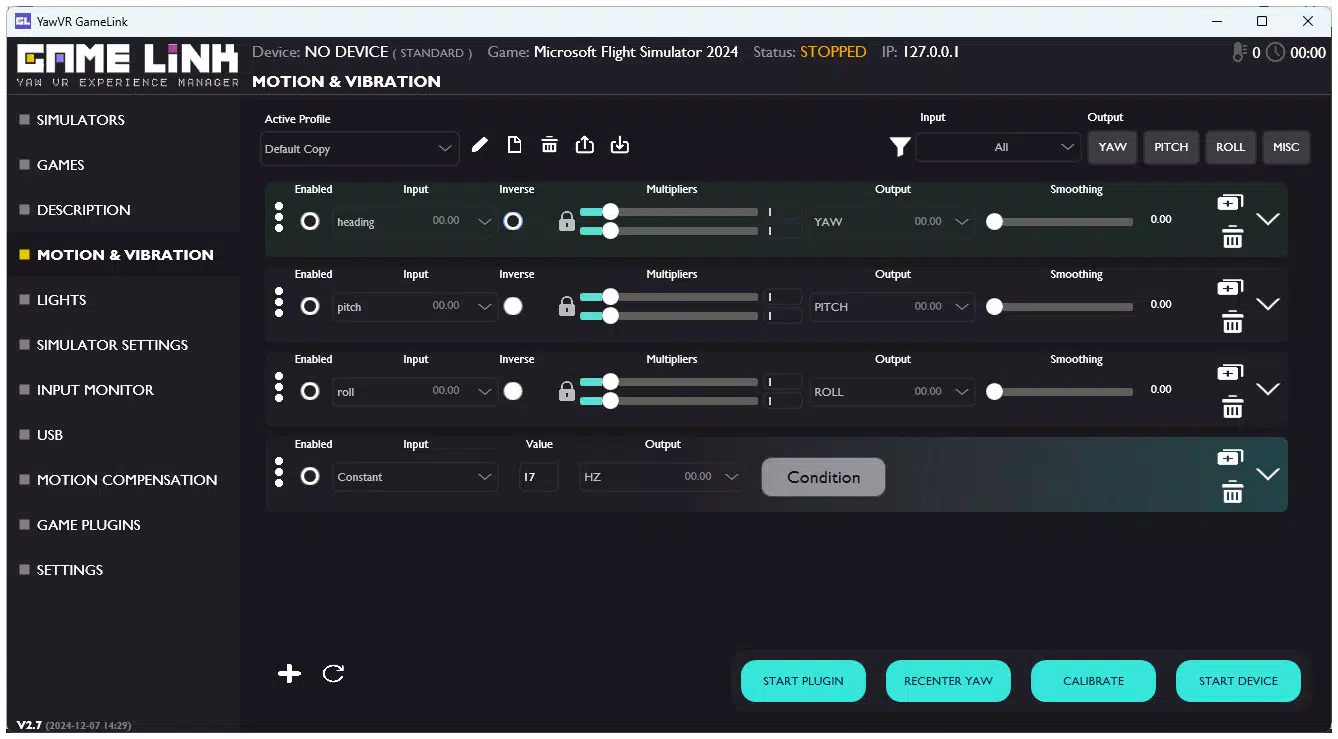
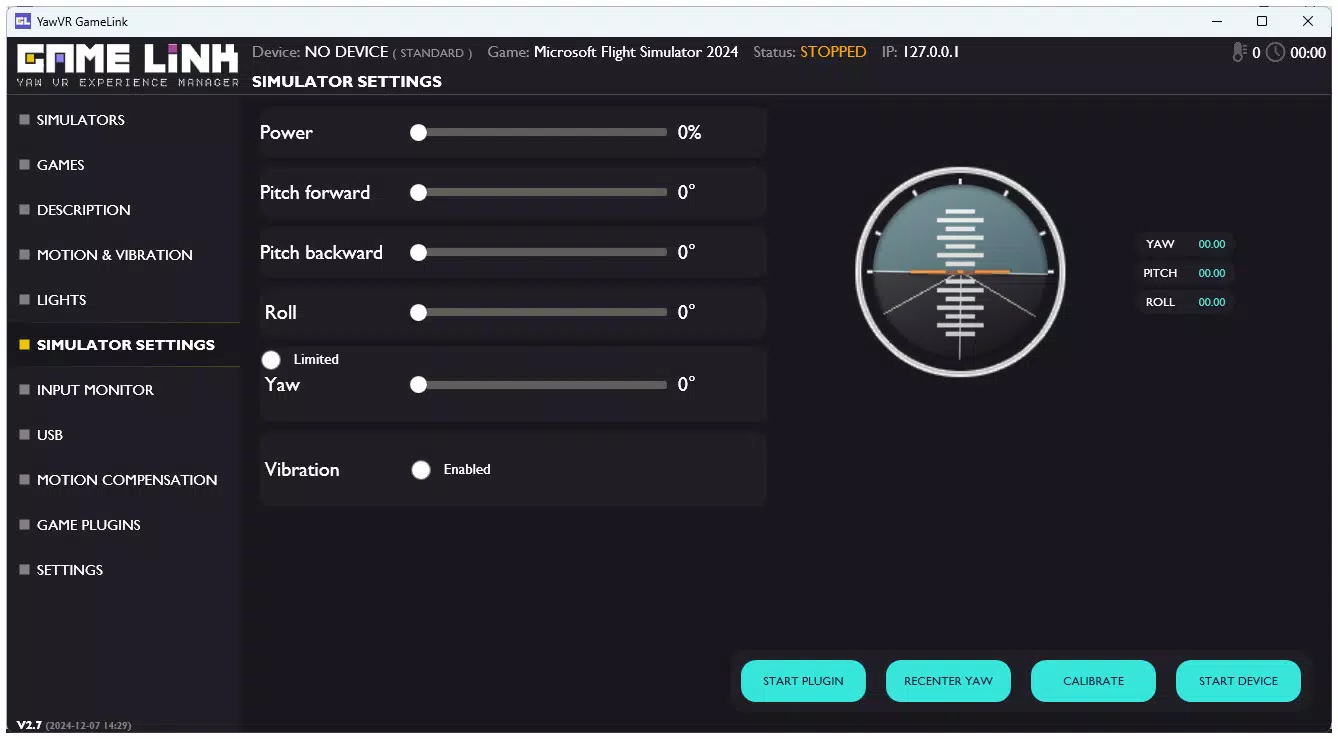
- Customizable Motion Settings: Users can adjust motion intensity, response curves, and sensitivity levels to match specific games or personal preferences. This adaptability ensures that a racing game can deliver aggressive motion feedback, while a calm exploration title may use subtle, smooth movements.
- Broad Compatibility: The software supports a wide range of game genres, including racing, flight simulation, and immersive VR experiences. This versatility makes it suitable for diverse gaming libraries without requiring separate configurations for each title.
- Enhanced VR Experience: When paired with Infuse VR, Game Link significantly improves immersion by ensuring motion data is processed and delivered with high fidelity. This integration allows users to experience a more cohesive and lifelike virtual environment.
For example, in a flight simulator, a sharp turn in the game triggers a corresponding physical rotation of the YawVR base, helping the player maintain orientation. Similarly, during a high-speed race, the simulator responds dynamically to curves and braking, increasing realism and engagement. These features collectively contribute to a more intuitive and physically responsive gaming session.
Interface, UX & Performance
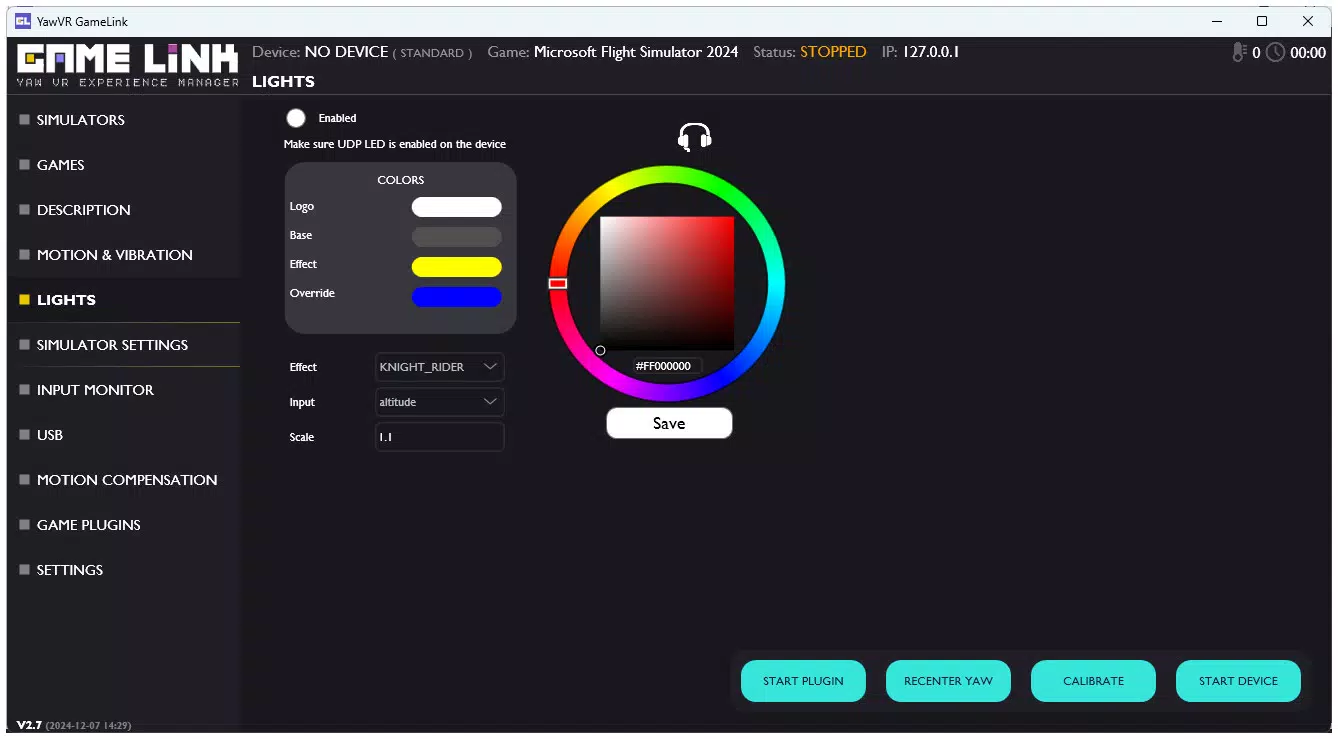
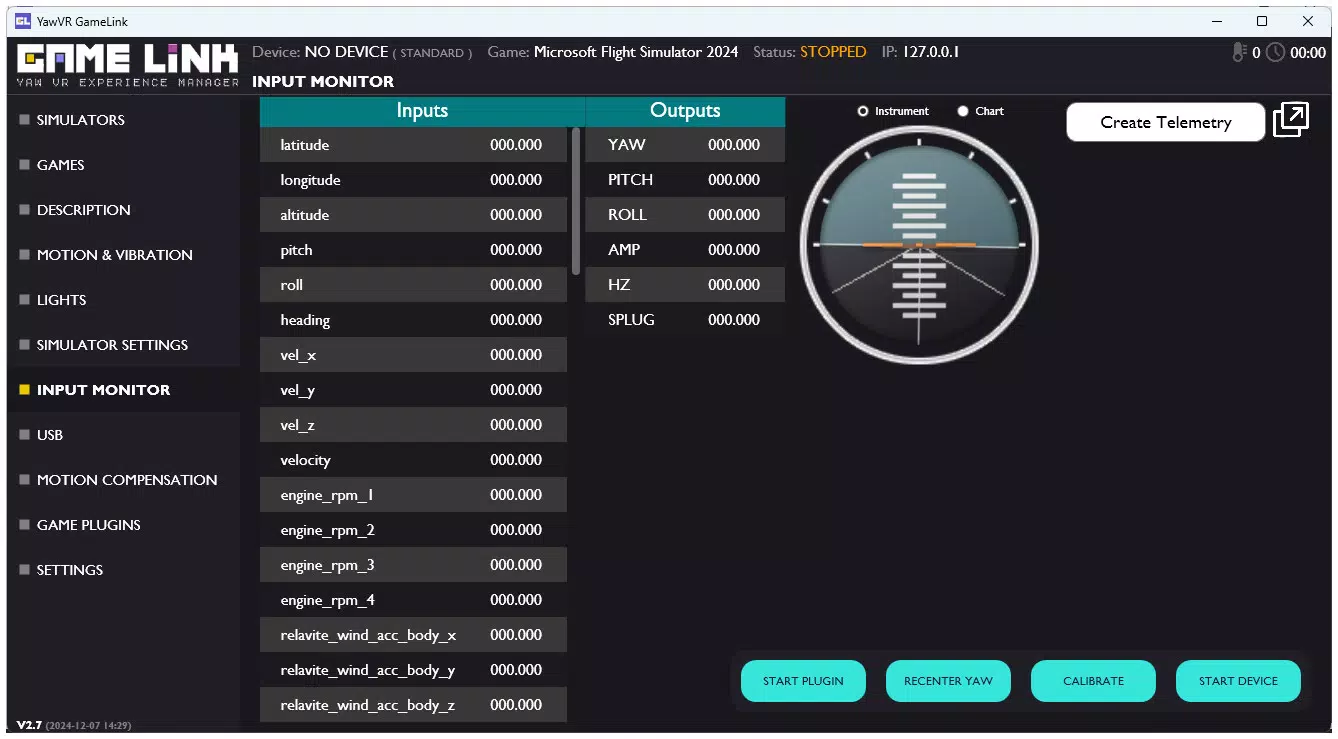
The user interface of Game Link appears to be designed with functionality and clarity in mind, prioritizing ease of access to core settings. Navigation is likely structured around a central dashboard where users can manage connections, adjust motion profiles, and monitor system status. The visual style emphasizes clean layouts, minimal distractions, and intuitive controls, allowing users to configure settings without technical expertise.
Navigation flow is expected to follow a logical hierarchy: from initial device pairing to profile customization and real-time monitoring. The app likely includes status indicators to confirm active connections and data transmission, reducing setup friction. While specific performance metrics were not provided, the developer’s emphasis on precision suggests optimized data handling and low-latency processing.
Although the developer did not list formal performance metrics, the app is expected to maintain stable operation across a range of device categories, including mid-tier and high-end PCs. Responsiveness is likely maintained through efficient background processing and adaptive resource allocation. Stability appears to be a priority, given the real-time nature of motion synchronization. Users can expect consistent performance during extended gaming sessions, with minimal risk of crashes or desynchronization.
Platform Compatibility & Technical Requirements
Game Link is designed for use on PC platforms, supporting the latest versions of Windows operating systems. The software is compatible with YawVR motion simulators and integrates with PC games via standard input/output protocols. The app’s file size is 45.2 MB, making it a lightweight addition to gaming setups.
Specific OS requirements were not listed, and the developer did not specify minimum hardware specifications. Compatibility information was not fully disclosed, so users should ensure their system meets general PC gaming standards. The software does not appear to be available on mobile platforms such as Android or iOS, as its function is tightly coupled with desktop hardware and game engines.
Pros and Cons
Pros
- Effortless integration with YawVR motion simulators and PC games
- Highly customizable motion profiles for personalized gameplay
- Supports a wide variety of game genres and immersive experiences
- Optimized for low-latency, real-time motion synchronization
- Enhances VR immersion when used with Infuse VR
Cons
- Compatibility details with specific PC configurations were not provided
- No mobile platform availability for on-the-go configuration
- Requires a YawVR motion simulator to function
- Specific OS version requirements were not disclosed
- Advanced settings may require technical familiarity
FAQ
Is Game Link available for Android or iOS devices?
Game Link is designed for PC use and does not support mobile platforms such as Android or iOS. It functions exclusively with YawVR motion simulators and PC-based games.
Can I use Game Link with non-YawVR motion simulators?
The app is specifically built for YawVR hardware. Compatibility with other motion simulators has not been confirmed or documented by the developer.
Does Game Link require a constant internet connection?
Game Link does not require an active internet connection to function. It operates locally on the user’s PC, processing motion data in real time without external dependencies.
How often is Game Link updated?
Update frequency was not specified by the developer. Users are advised to check the official website or release notes for the latest version and improvements.
Is Game Link secure to download and install?
As a software tool for PC gaming, Game Link is designed to operate within standard system permissions. Users should download the app from official sources to ensure security and integrity.
Final Thoughts
Game Link stands out as a specialized yet powerful tool for gamers invested in high-fidelity, motion-based experiences. Its seamless integration with YawVR simulators and broad compatibility across genres make it an essential component for anyone serious about immersive PC gaming. The customizable motion settings allow for a tailored experience, while its synergy with Infuse VR enhances the overall virtual reality journey.
While the lack of detailed technical specifications may pose challenges for some users, the app’s focus on performance, stability, and real-time responsiveness speaks to its reliability. It is particularly valuable for racing and flight simulation enthusiasts who prioritize realism and physical feedback.
For those seeking to elevate their gaming setup beyond traditional controls, Game Link delivers tangible value. Its lightweight footprint and focused functionality ensure it doesn’t burden the system while maximizing immersion.
Download Game Link now


